The butterfly
Green paper wings → pink fairy
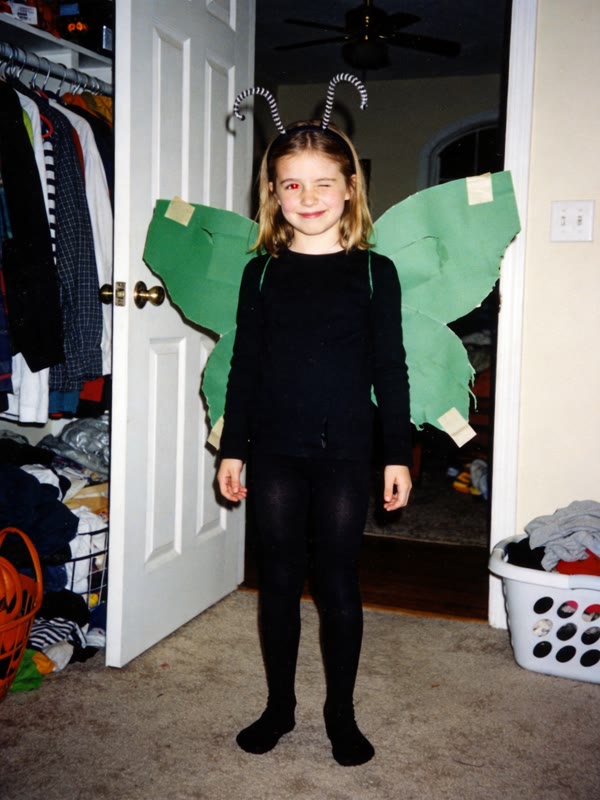 Real photo
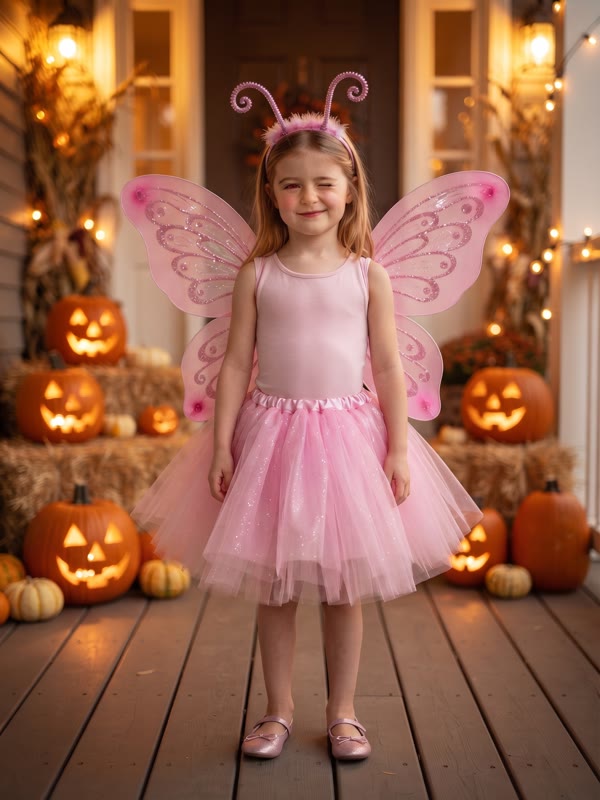 AI version
Upload the real photo — the paper wings, the trash-bag cape — and say what you were supposed to be. AI turns the same kid into the flawless version, and you get the finished 3-slide video for the trend.
Same kid, same pose — just the costume they were promised. Every kid here is AI-generated and doesn't exist.
Green paper wings → pink fairy
Real photoAI versionTrash-bag cape → Dracula
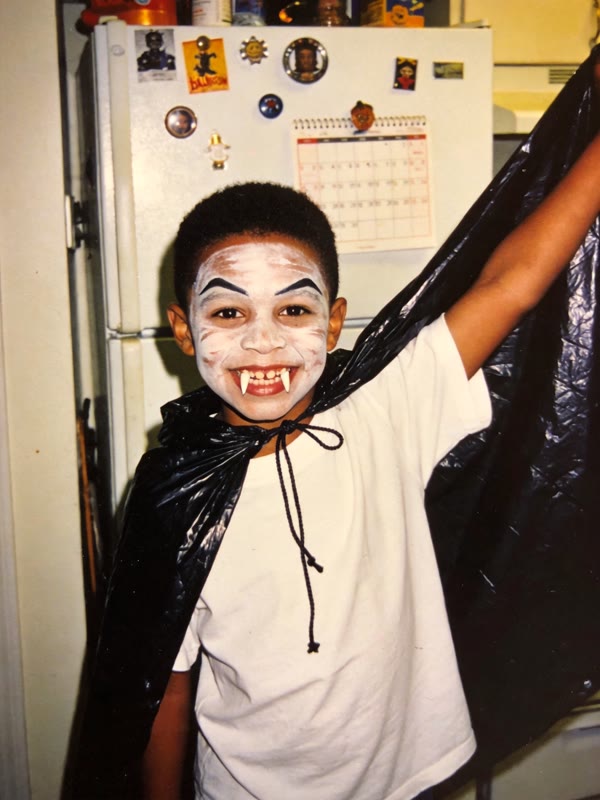 Real photo
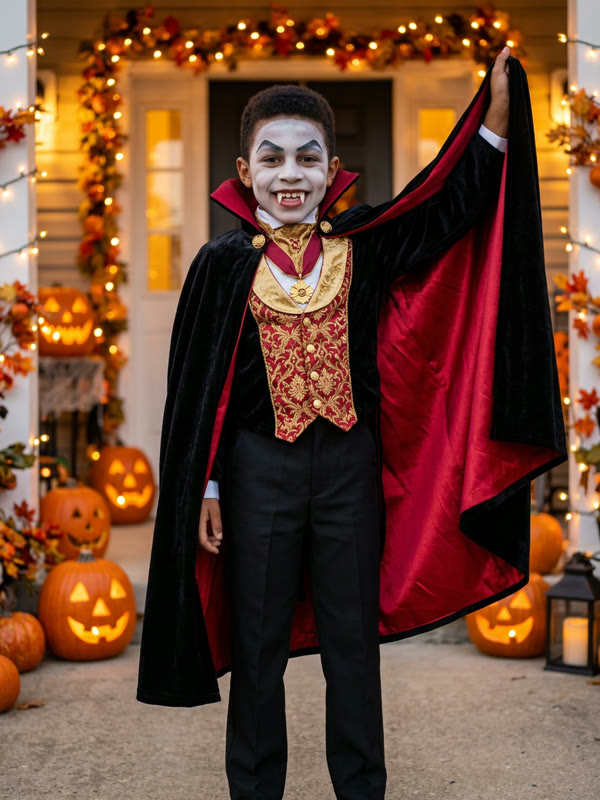 AI version
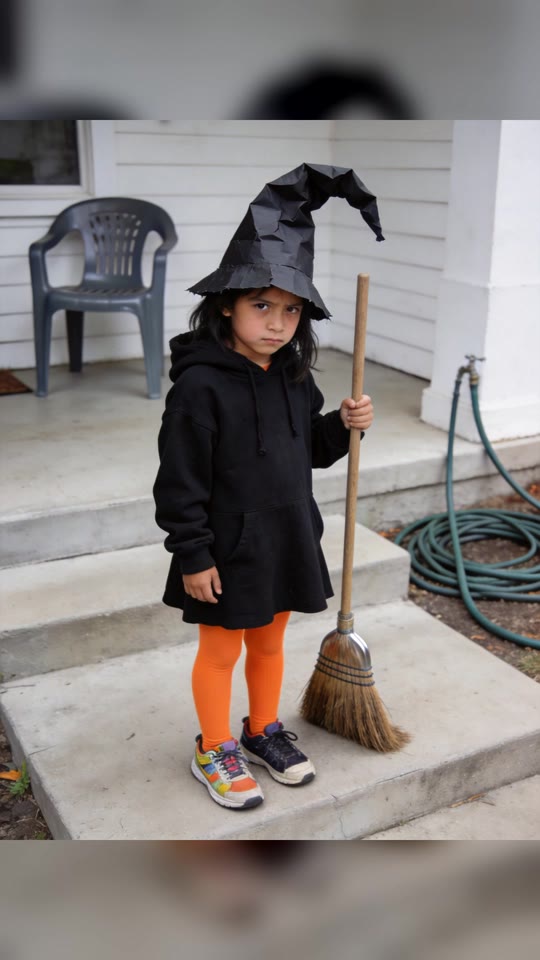
Hoodie and a paper hat → purple witch
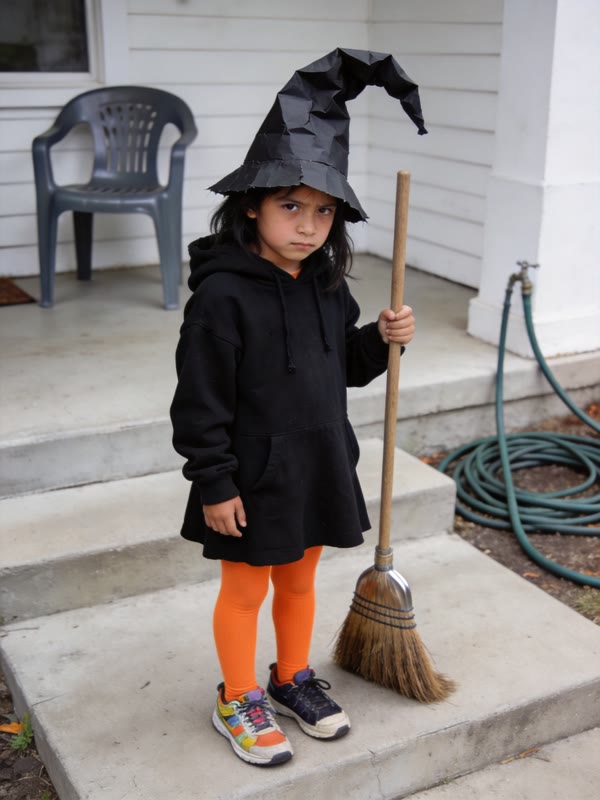 Real photo
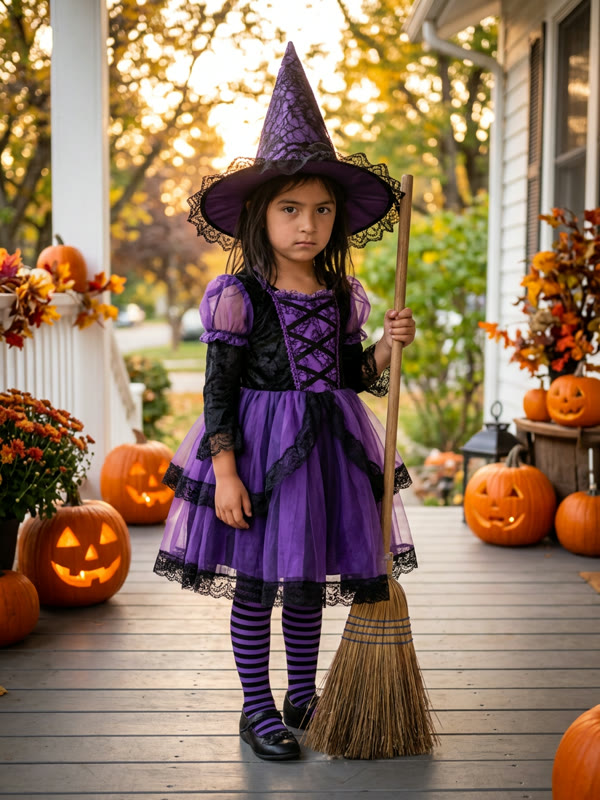 AI version
It's a TikTok slideshow that took off in late October 2026. Slide one is an adorable, picture-perfect Halloween photo: "When I was little I was a witch for Halloween." Slide two: "I'm so freaking sorry… I lied." Slide three is the real photo — the homemade costume, the wrong color, the paper hat.
The perfect photo is usually made with AI from the real one; the most-viewed post, past 400,000 views on Oct 22, is labelled by TikTok as containing AI-generated content. People search for it as the im sorry i lied trend or the sorry i lied costume trend.
This site does the AI part and the slides in one go. You bring the real photo; we keep the kid's face and pose, swap in the costume you were promised, and hand you the video plus every slide.
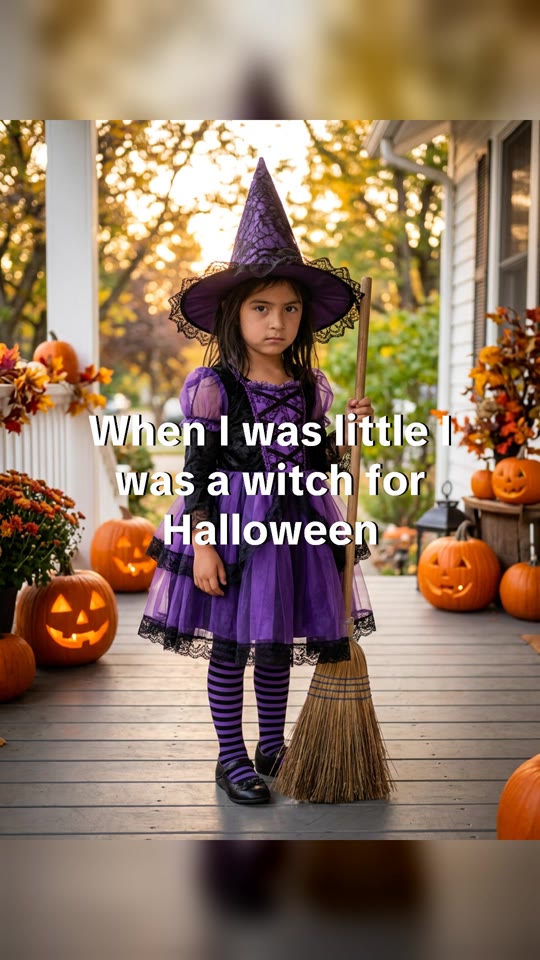
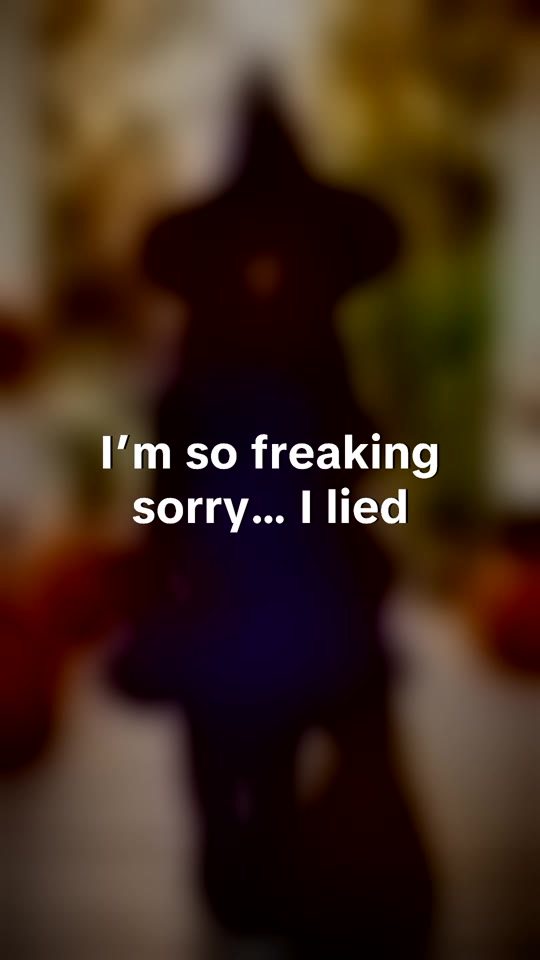
Add the real photo — you as a kid, or your own child, in the costume that didn't quite work out.
Say what it was supposed to be — a butterfly, a vampire, Elsa. That's the caption on slide one, too.
Download and post — two AI versions, each as a 3-slide 9:16 video plus the photo and the slides. Ready in about 2 minutes.
Pay once. No subscription.
$4.99
1 set
$9.99
3 photos, $3.33 each
Prices in USD. Sales tax may be added at checkout.
You can do the trend for free. Here's what that takes.
| Step | Free: ChatGPT or Gemini + CapCut | imsorryilied.com |
|---|---|---|
| The perfect photo | Write your own prompt and retry until it keeps your face | A prompt tested on homemade-costume photos; two models, two versions |
| The slides | Find a template and add both photos and the captions yourself | Captions on, 3 slides cut into a 9:16 video |
| Cost | Free, plus your time | $4.99 one set, $9.99 three |
Yes, if it's you as a kid or your own child. Don't upload other people's kids or celebrities.
Two AI versions of your photo, from two different image models. For each one: a silent 3-slide 9:16 MP4, the AI photo, and the three slides as images in a zip.
Usually about 2 minutes. We'll email you when it's done, so you can close the tab.
No. Add the trend sound in TikTok: tap "Add sound" and search the sound the trend uses.
If one model declines it, you still get the other version. If both do, your set is refunded to your account automatically.
It keeps your face and pose most of the time, but AI can drift. If it doesn't look like you, reply to your email and we'll refund you.
Sets never expire, and there's no subscription.
Your uploaded photo is deleted within 2 days. The finished videos and photos stay in My videos so you can download them again; email us to delete them sooner.
No. It's an independent fan tool, not affiliated with TikTok, CapCut or the creators of the trend.